Designing With Machines — What AI Tools I Use and Why
by Yordan Stoyanov
/
Jan 14, 2026
/
8
minutes read

AI tools are evolving at a pace that makes most lists and recommendations obsolete almost as soon as they’re published. New models appear weekly, features change constantly, and the noise around “the next big thing” often outweighs any real discussion about usefulness in day-to-day design work.
Because of that, I don’t try to follow everything. Instead, I’ve settled into a small, focused set of tools that I actually use in practice — tools that help me think, explore, and move projects forward without getting in the way of taste or decision-making.
This article isn’t a comprehensive overview of the AI landscape, and it’s not meant to be prescriptive. It’s simply a snapshot of the tools I personally find useful right now and which emerging tools I’m watching with interest.
Firstly, How I Think About AI in Design
Taste, direction, and decision-making still sit firmly with the designer. And it will stay there forever. If anything, AI makes those qualities more important, because generating options is no longer the hard part — choosing the right one is. And that’s really hard, especially when a regular GPT/Image Generator gives you 5 or more suggestions on each iteration.
The role of the designer is moving toward orchestration rather than pure execution.
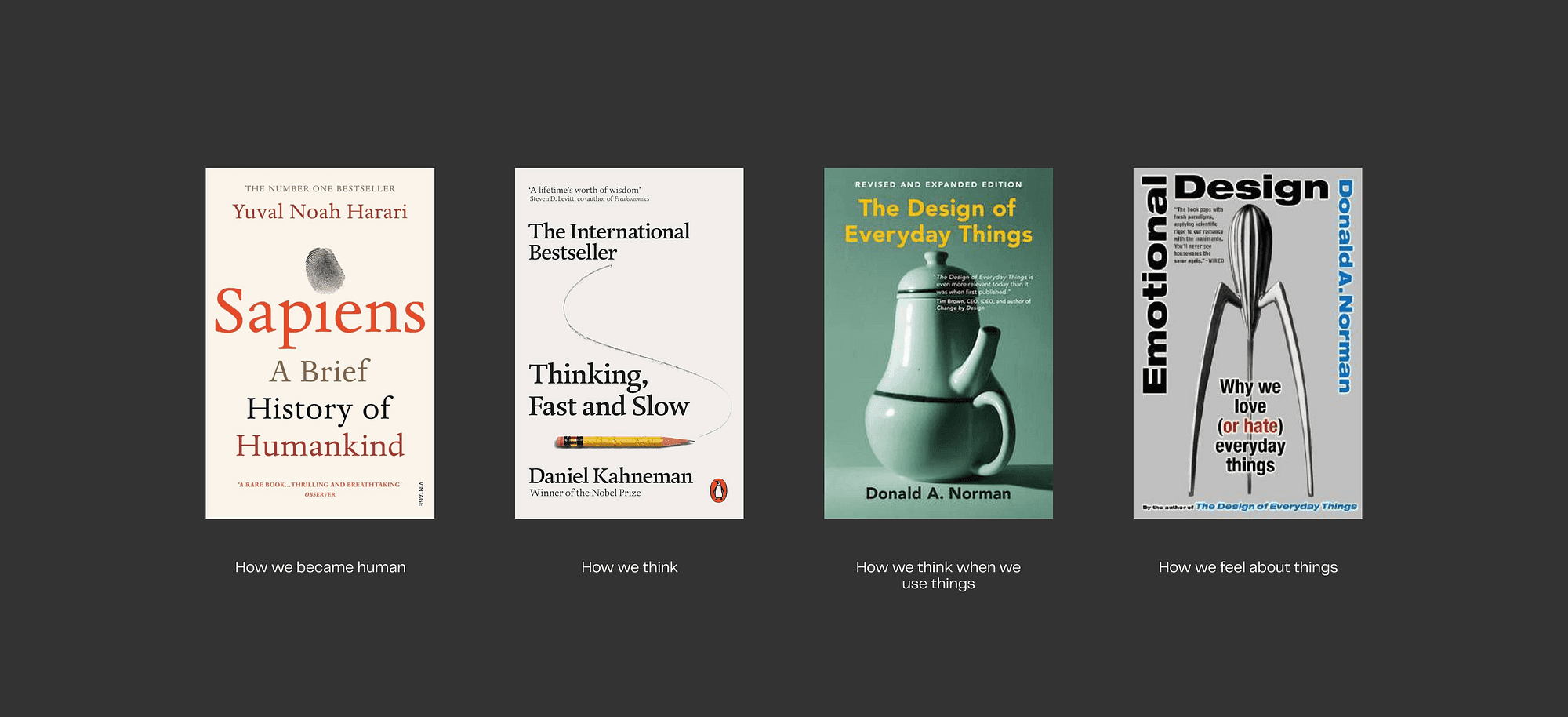
That’s why it’s more crucial than ever to learn more about and understand how both people and machines work and think. Books like Sapiens, Thinking, Fast and Slow, The Design of Everyday Things, and Emotional Design provide a solid foundation for understanding these topics.
We are orchestrating machines to create content and experiences that are ultimately used by humans.
Anyways, here are the tools:
Image Generation and Visual Exploration
Image generation is the area where AI currently feels the most mature and immediately useful. Its primary role is visual exploration — enhancing early-stage reference hunting, abstract sketching, and mood-building.
Midjourney
Of course, the main player in the game right now.
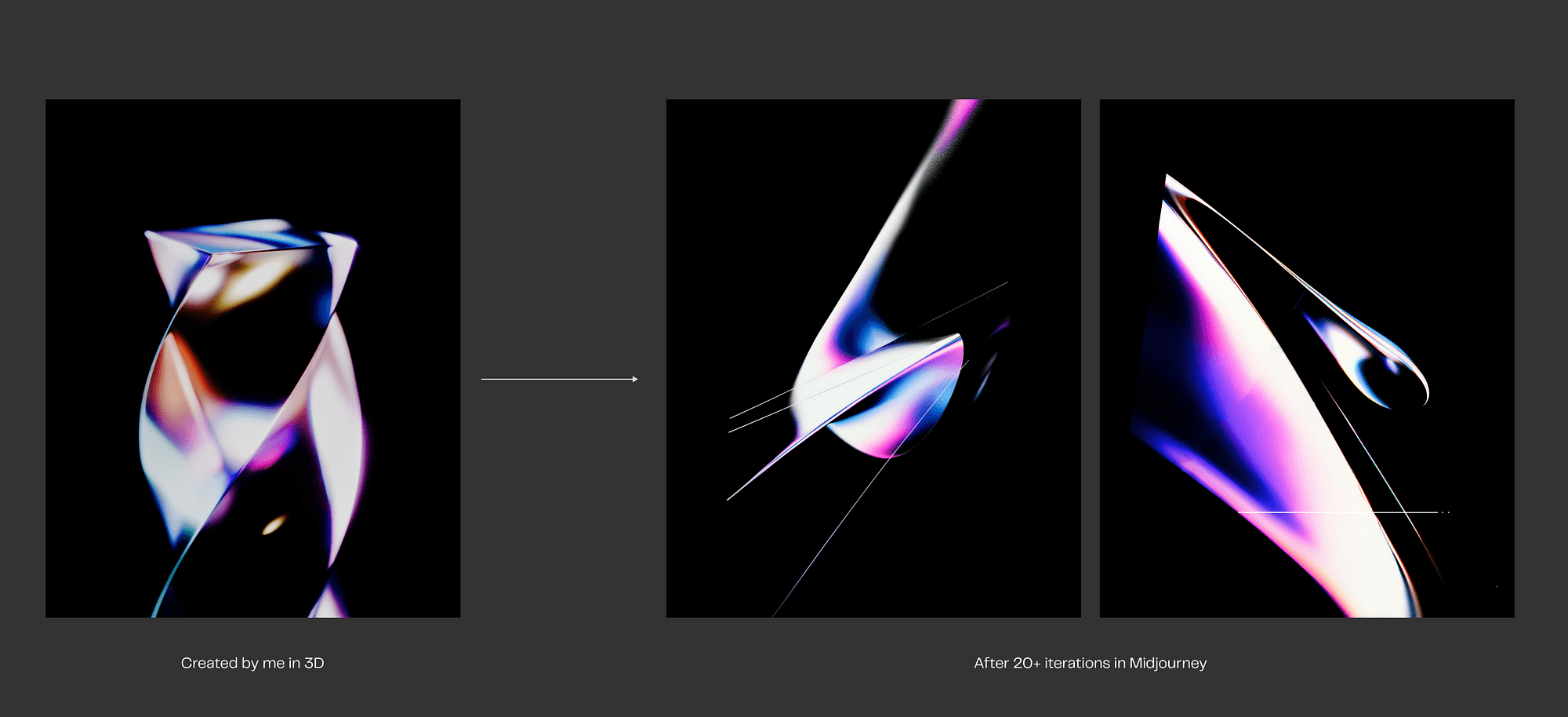
I use it to explore atmosphere, lighting, materiality, and abstract visual directions, especially in the early phases of a project. It consistently produces results that feel intentional rather than generic, which makes it particularly useful for brand-led or concept-heavy work. I don’t treat its output as a final design, but as a way to think visually and test ideas before committing to more deliberate execution.
A big problem i see designers face is that they expect that Midjourney will give them a “final” image with which they can work with. Uh, uh, not yet. We still have a long way to go with AI development in order to reach that level. Every image still needs a lot of curation, iteration, upscaling, denoising, and retouching.
Of course, there are cases in which MJ will give you a production-ready output, but I tend not to approach the tool with that mindset.
Practical example in the use of Midjourney for a personal project.
Krea AI
Krea AI plays a slightly different role. Where Midjourney excels at exploration, Krea is useful when I want to stay closer to a single direction and iterate on it.
A crucial part of Krea’s value is its ability to be “trained” on a custom dataset of images. To give a concrete example, imagine a client who needs a steady stream of visuals for social media each month. Over the course of five or six months, you might have already produced 50–60 designs that follow the same brand identity, visual language, and strategic direction. Those existing assets can be used as a dataset in Krea, allowing the model to generate new visuals that stay within the established style for future batches.
In practice, this doesn’t mean pressing a button and receiving finished designs. The process still requires careful prompting, iteration, and judgment.
I should also note that I haven’t personally tested Krea’s training capabilities yet. In similar situations, I’ve relied on a different approach using ComfyUI with a custom LoRA model. That setup offers a high degree of control, but it’s significantly more complex and comes with a steep technical learning curve (and I still don't fully understand how it works, lol).
Weavy AI
One tool I find particularly interesting in this space is Weavy. At its core, it’s a node-based system, conceptually similar to tools like ComfyUI, but designed to be much more approachable and usable directly in the browser. Instead of dealing with local setups, dependencies, and technical friction, Weavy lets you visually connect different models and steps into a coherent workflow.
It supports a wide range of models across image and video generation — including popular diffusion models, video generation models, and enhancement tools — and allows you to chain them together into systems rather than isolated prompts.
This makes it possible to build repeatable pipelines for specific tasks, such as generating images in a certain style, animating them, refining the output, and exporting consistent results.
This is the future — node-based procedural workflows. And this tool is where I’m gonna be spending my time in the next few months.
Image Upscaling
Topaz Photo AI
When you’re happy with a generated image — or even with your own visual creation — you’ll often need to upscale it, for example from HD to 4K. This is where Topaz Labs AI (Photo and Video) comes in. It can upscale and denoise images very effectively, and I use it in almost every project, whether it’s 3D work or more traditional graphic design.
In 3D projects, it’s especially useful when you want to save render time. Instead of rendering at a high resolution, you can render smaller images (for example, 1080×1080px) and then upscale them to 2K or even 4K, with very solid results.
On GPTs and Text-Based AI
Quick rant: I don’t really want to explain why using a text-generation model like ChatGPT is important today, but I probably should. I still regularly see people react negatively when you mention that something was written with the help of a GPT — this article included. My view is simple: accept it. These tools are here, and they’re not going away. Personally, I’m genuinely happy about that. The pattern isn’t new. We’ve seen it before with the personal computer, with Excel and accounting, with Google and the way we search for information instead of digging through books. Each time, the tool changed how we work, not whether the work itself mattered.
In practical terms, I use ChatGPT mainly as a thinking and organisation tool. I rely heavily on its Projects feature to keep conversations structured around specific pieces of work. For each project, I provide as much context as possible — target audience, business maturity, goals, strategy, budget, timelines, and any constraints I’m aware of. From there, I iterate, refine, and pressure-test ideas over time.

Chat GPT’s Project Features in my profile
That said, I’m very aware of the limitations. ChatGPT often produces misleading or overly confident information, and it isn’t inherently honest in the way humans expect honesty. Its primary goal is to be helpful and agreeable, because that’s what keeps people using it. This is where critical thinking becomes essential. The responsibility sits with the user to question outputs, validate assumptions, and decide whether something actually makes sense in the real world.
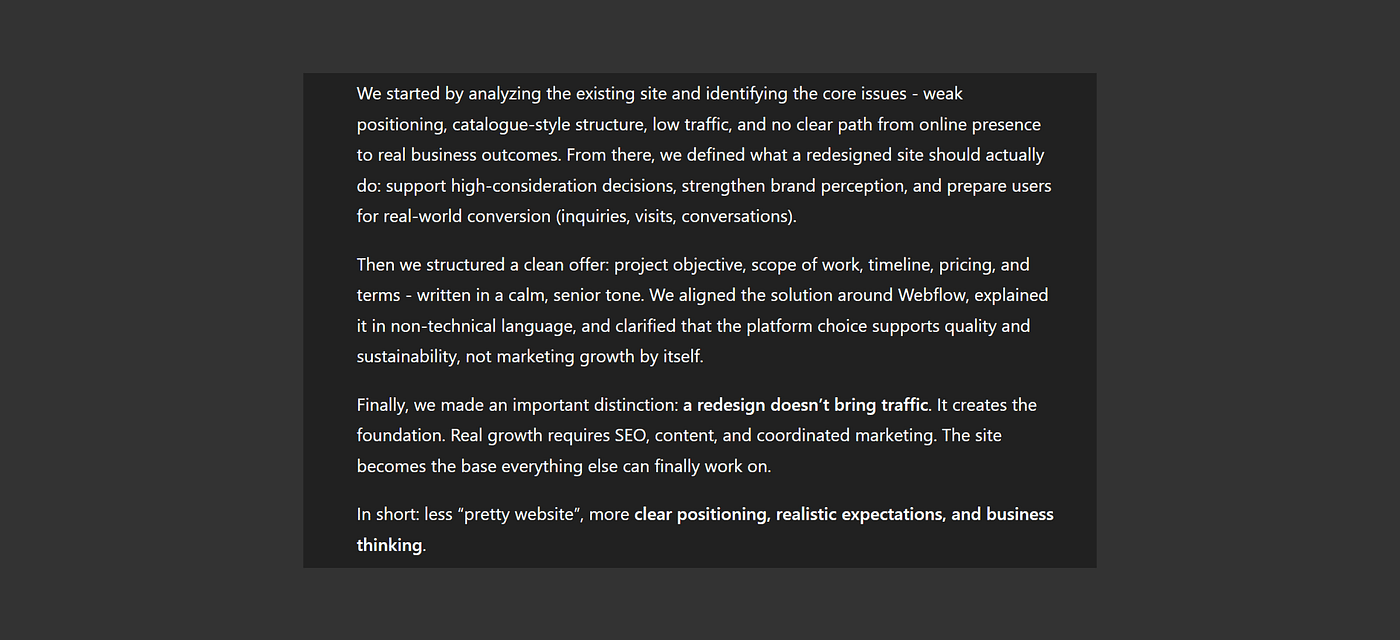
Conversation recap of a recent project proposal i was working on
Because of that, I often take ideas developed in ChatGPT and stress-test them using Google Gemini. I’ve found Gemini to be more direct and, at times, more critical in its responses, which I see as a positive trait. Using both helps me avoid getting too comfortable with a single perspective and forces me to think more carefully about the conclusions I’m drawing.
Pro Tip — personalize your GPT and tell him exactly how NOT to behave. Right now i am using this personalization text in order to make Chat GPT more straight to the point and stop telling me “you’re doing great” all the time.
Copy this into the Personalisation input:
From now on, stop being agreeable and act as my direct and honest advisor. Do not validate me. Do not soften the truth.
Big shoutout to Gabriel Atanasov for sharing this with me.
Video Generation
To be completely honest, I’m still not patient enough to experiment seriously with AI video generation. These tools require a lot of time, iteration, debugging, and credit management. I’ve tried several times to test where the current state of the tools is, but I’ve never managed to create something truly valuable, mostly because the process itself is so time-consuming.
I see many impressive and ambitious examples online of people creating full advertising videos with AI, and I can only admire and respect the level of dedication that it requires.
For now, the tools I’m keeping an eye on are Runway and Pika.
Runway is the most stable and usable tool I’ve found for this purpose so far. I’d use it to create rough motion studies, mood films, and directional clips, particularly when motion is still abstract or exploratory. It’s not a replacement for motion design tools, but it’s a useful way to explore ideas quickly and test whether a direction feels right before investing more time and resources.
Pika is more focused and simpler by comparison. I’d mainly use it to bring static visuals into motion, adding subtle movement or testing camera ideas. It’s especially useful when a still image communicates the concept well, but motion is needed to give it energy or context. In that sense, it acts as a bridge between static design and more considered motion work.
Final Thoughts
AI tools will continue to change, and any specific stack will inevitably evolve with them.
I don’t believe AI replaces designers. I do believe designers who learn how to use AI thoughtfully and selectively will have a significant advantage. Not because they move faster for the sake of speed, but because they’re able to explore more ideas earlier, reduce unnecessary friction, and spend more time on the parts of the work that actually benefit from human judgment.
In the end, AI is most useful when it supports better thinking, not when it tries to replace it.